
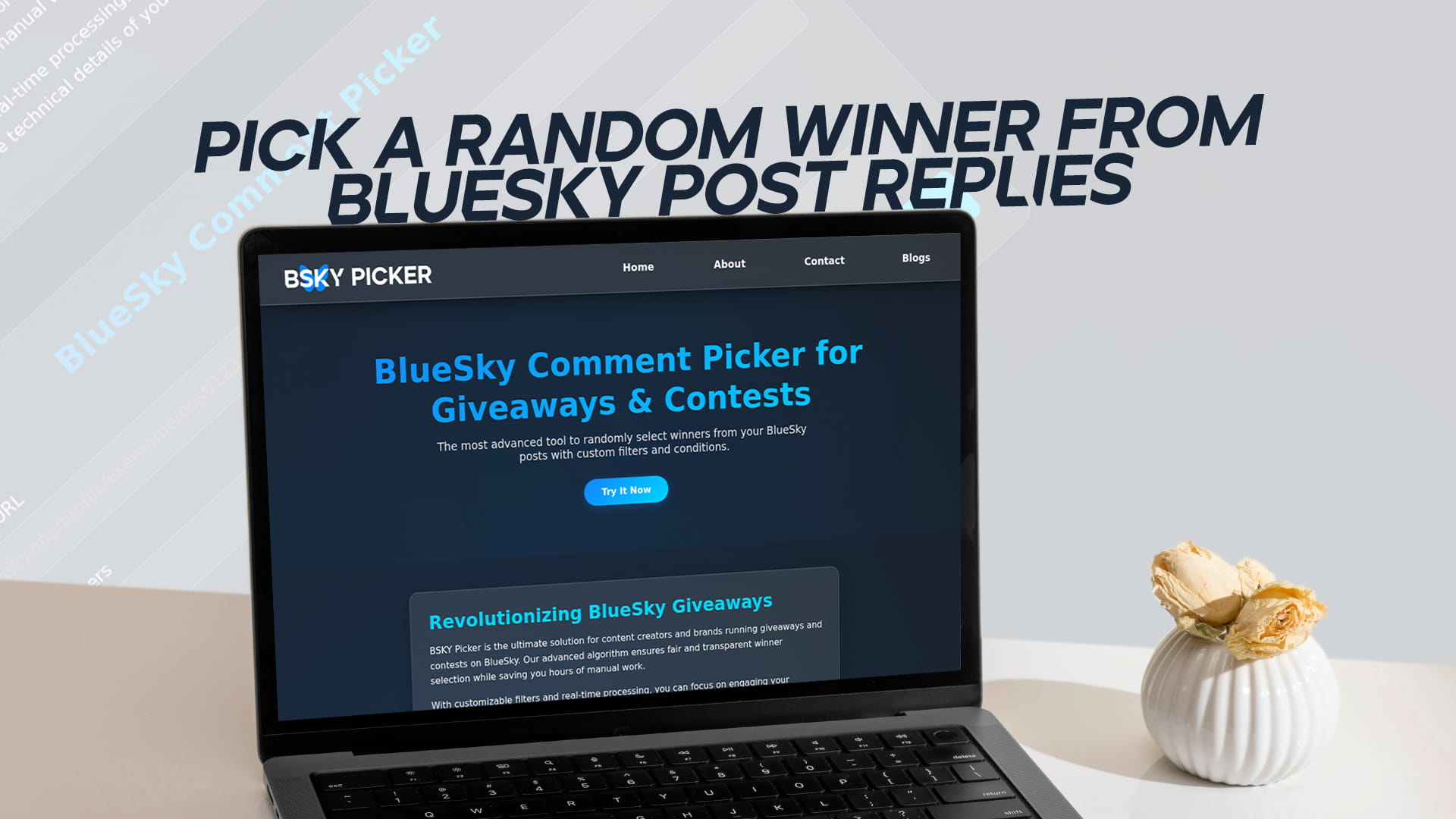
Pick a Random Winner from Bluesky Post Replies
Running a giveaway on Bluesky and need to choose a winner? The fastest way to pick a random winner from Bluesky post replies is to paste your post link into BSKY Picker, let it load every reply, and click once to draw a winner at random. No login, no spreadsheet, no scrolling through hundreds of comments by hand.
This page covers exactly how that works, what keeps the selection fair, and how to filter replies so only valid entries make it into the draw.
What BSKY Picker does
BSKY Picker is a free, browser-based tool that selects random winners from the replies on any public Bluesky post. It reads those replies directly through the AT Protocol, the open network Bluesky runs on, so you never connect your account or grant permissions. You give it a post URL, it gives you a winner.
It is built for the people who run contests most often: creators rewarding their community, brands launching a product, and community managers keeping an audience engaged. Once a post pulls in a few hundred replies, picking by hand stops being practical and stops looking trustworthy. A tool that draws the winner in the open solves both problems at once.
How to pick a random winner from Bluesky post replies
The whole process takes under a minute:
- Open your Bluesky post in the app or on the web and copy its URL (it looks like bsky.app/profile/yourname/post/...).
- Go to the BSKY Picker tool and paste the link into the post field.
- Set how many winners you want to draw.
- Choose whether to include replies, and add filter words if you only want entries that mention a specific hashtag, keyword, or friend.
- Click pick. The tool fetches every reply and selects your winner at random, showing their username and the exact reply they left.
That final screen is the part your audience cares about. Because the winner appears with their actual comment, anyone watching can see the result is real.
Why pick winners from replies instead of likes or reposts
Replies are the strongest signal of real engagement. A like takes a second and says almost nothing. A reply means someone read your post, had a thought, and typed it out. For giveaways that ask a question, request a caption, or want people to tag a friend, the reply thread is where the actual entries live.
Replies also fit the way Bluesky handles threaded conversations. When people answer each other under your post, you can include those nested replies so the whole discussion counts toward the draw. That usually means more entries and a livelier thread.
If you would rather base your contest on reposts or followers instead, BSKY Picker handles those too. This guide on running a free random comment picker for Bluesky giveaways and contests walks through the other entry types.
Filtering replies so only valid entries count
Most giveaways come with rules, and the filters exist to enforce those rules automatically:
- Keyword and hashtag filters keep only the replies that contain the word or tag you set. If your rule was "reply with #BlueskyGiveaway," you can drop every reply that skipped it.
- Mention requirements let you keep entries where someone tagged a friend, a common way to grow reach.
- Duplicate removal stops one person from flooding the thread with twenty replies and walking off with twenty entries. Each participant counts once.
You can combine these. Asking for two specific hashtags in the same reply, for example, just means entering both words. The random comment picker for Bluesky giveaways covers more filter combinations if you run complex campaigns.
Is the selection actually random and fair?
Yes. Once the eligible replies are loaded, the winner is chosen by a random algorithm, not by ranking, popularity, or order of posting. Every valid entry has the same chance. The tool does not weight accounts with more followers or favor whoever replied first.
Because the result shows the winner's username next to their real comment, your audience can check the draw against the live thread themselves. That visible, repeatable result is what keeps people entering your next giveaway. Transparency is the whole reason to use a picker instead of quietly choosing someone yourself.
Do you need a Bluesky account or login?
No. You do not log in, connect a social account, or install anything. The tool reads public replies through the AT Protocol, so a post URL is all it needs. Your account stays untouched, and your data is not stored. If account-free use matters to you, here is more on picking winners without a login.
Free to use, with room to scale
You can run a giveaway and pick a winner for free. Bigger campaigns that need more replies processed, several winners, or premium filters can move up a plan, and the pricing page lays out what each tier includes. Most everyday giveaways never reach the free limit.
Common Question
How do I pick a random winner from Bluesky post replies? Copy your Bluesky post URL, paste it into BSKY Picker, set the number of winners, apply any filters, and click pick. The tool loads all replies and selects a winner at random in seconds.
Is BSKY Picker free? Yes. You can pick winners from your Bluesky post replies for free. Premium plans add higher reply limits and advanced filters for larger campaigns.
Can I pick more than one winner? Yes. Set the number of winners before you draw, and the tool selects that many unique entries, which is handy for tiered prizes or backup winners.
How do I make sure only valid entries are included? Use the keyword, hashtag, and mention filters to keep only replies that follow your rules, and turn on duplicate removal so each person counts once.
Will my audience trust the result? The winner appears with their username and the exact reply they posted, so anyone can check it against the original thread. The selection is random and gives every valid entry an equal chance.
Do I need to download anything? No. BSKY Picker runs in your browser. There is nothing to install and no account to create.