
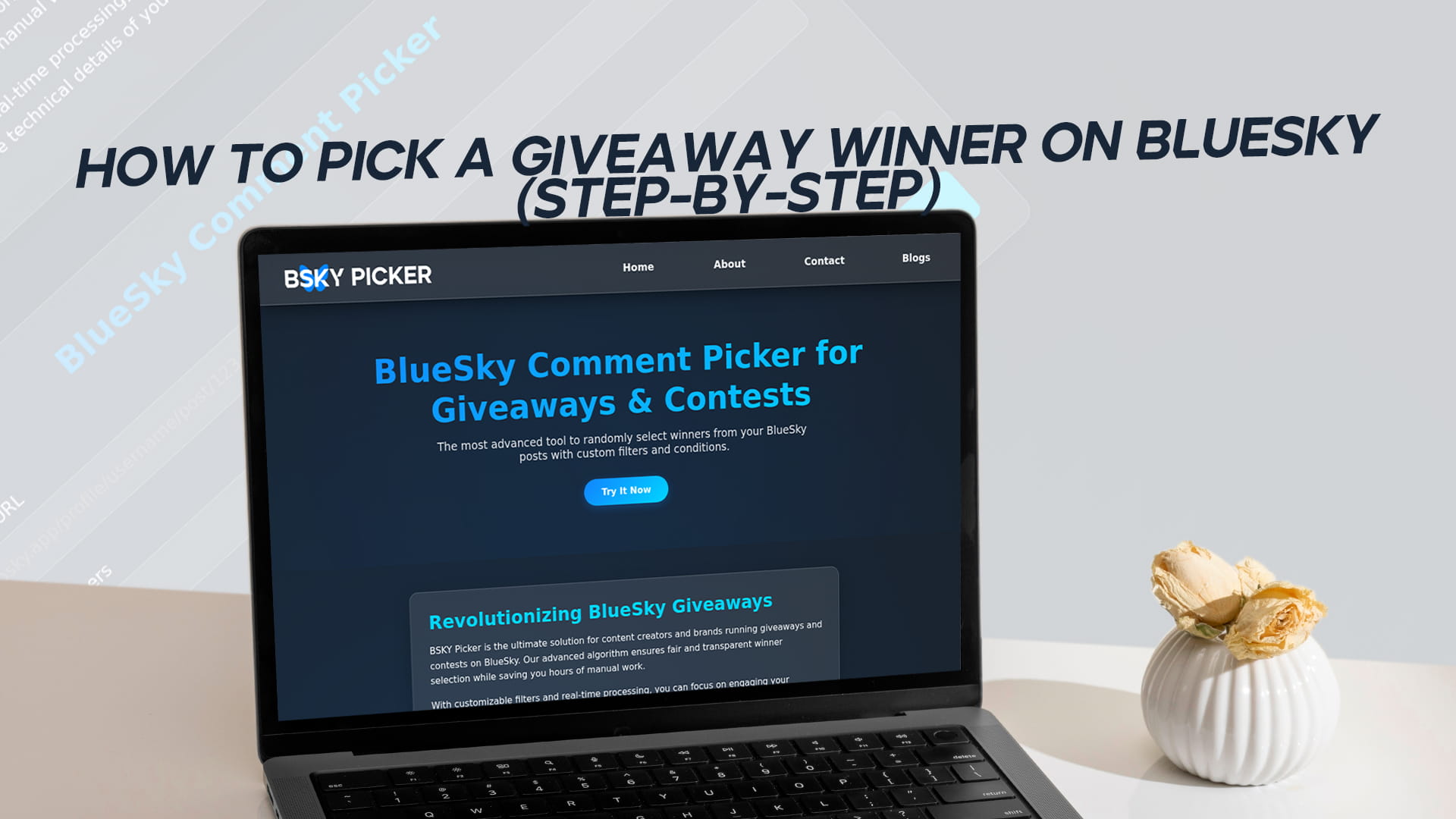
How to Pick a Giveaway Winner on Bluesky (Step-by-Step)
Picking a giveaway winner on Bluesky takes about a minute once you know the steps. You copy the link to your giveaway post, load its entries into a picker, filter out anyone who did not follow the rules, remove duplicate entries, and draw a winner at random. The tool shows you the winner's username and the exact reply they left, so the result is easy to share and easy for your audience to verify.
This guide walks through the whole process one step at a time, including what to do with very large threads, how to set up a backup winner, and how to capture proof of the draw. By the end you will be able to run the pick cleanly even if hundreds of people entered.
Before you pick: what you need
You need three things, and they are all simple. First, a public Bluesky post that people entered. The post has to be public, because a picker reads the entries through the AT Protocol, the open network Bluesky runs on, and it can only see what any other reader could see. Restricted or private posts will not work.
Second, you need to know your own rules. Did entrants have to reply, repost, or like the post? Did they need a specific hashtag or to tag a friend? Having that clear in your head, or better yet written into the original post, decides which filters you turn on later.
Third, you need a picker. The rest of this guide uses BSKY Picker, which reads your entries without asking you to connect your Bluesky account or install anything. You sign up, paste a link, and draw. With those three things ready, the pick itself is quick.
Step 1: Copy your Bluesky post link
Open the giveaway post in the Bluesky app or on the web. On the web, the link in your browser's address bar is exactly what you need; it looks something like bsky.app/profile/yourname/post/abc123. In the app, tap the share icon under the post and choose copy link.
Make sure you are copying the link to the original giveaway post, not to a reply or a quote of it. The picker pulls entries from the post you give it, so pointing it at the wrong post means pulling the wrong set of entries. If your giveaway ran across a thread you posted, use the link to the first post in that thread, which is where most people will have replied.
Step 2: Open the picker and load your entries
Go to the picker, paste your link into the post field, and let it load. Behind the scenes, it reaches out to the network, finds your post, and pulls in everyone who interacted with it. On a small giveaway, this is instant. On a post with thousands of interactions, it takes a few seconds while it gathers everything.
What you should see once it loads is a count of the entries it found. Glance at that number and sanity-check it against what you expected. If you know roughly how many people replied and the count looks about right, you are in good shape. If it looks far too low, you may have pasted a reply link instead of the post link, so go back and grab the original.
Step 3: Choose your entry source
Bluesky gives people a few ways to interact with a post, and you pick which one counts as an entry. Replies are the most common choice for giveaways, because a reply takes real effort and sits in a public thread anyone can read. Reposts share your post to someone's followers and are good when your goal was reach. Likes are the lowest-effort signal and the easiest to game, so they suit casual, high-volume draws more than serious ones.
Set the source to match the rule you posted. If your giveaway said "reply to enter," draw from replies. If it said "repost to enter," draw from reposts. Mixing sources after the fact is unfair to people who followed the exact instruction, so stick with what you originally asked for. If you are still deciding how each entry type behaves, this breakdown of the Bluesky comment picker for giveaways compares them in more detail.
Step 4: Filter out invalid entries
This is where the rules you set earlier do the work. Most giveaways ask for something specific, and the filters let you enforce it automatically instead of reading every entry by hand.
If your rule required a hashtag, set that hashtag as a keyword filter and the picker keeps only the replies that included it. The same works for any keyword, like a required answer to a question, or a brand name people had to mention. If entrants had to tag a friend, a mention filter keeps only the replies that actually tagged someone. You can stack these, so a giveaway that asked people to use a hashtag and tag a friend can require both at once. Everything that fails the filter drops out of the pool before the draw, which means the winner can only come from entries that genuinely qualified.
Step 5: Remove duplicate entries
Some people reply more than once, whether out of enthusiasm or because they are trying to improve their odds. Without a check, someone who replies ten times gets ten chances while everyone else gets one, which is not fair and looks bad if anyone notices.
Turn on duplicate removal so each participant counts a single time no matter how many entries they posted. This is one of the most important settings for a credible draw, and it is easy to forget in the rush to pick. The mechanics of how a clean, equal-odds draw works are covered well in this guide to the random comment picker for Bluesky giveaways, which is worth a read if you run contests often.
Step 6: Decide how many winners
Set the number of winners before you draw. Most giveaways have one, but there are good reasons to pick more. Tiered prizes need several winners, one for each prize. Even a single-prize giveaway benefits from drawing one or two extra names as backups, in case your main winner never responds or turns out to be ineligible.
When you ask for more than one winner, the picker selects that many unique entries, so the same person cannot win twice in one draw. Decide your number based on your prizes and how likely you think non-responses are. For a low-stakes prize where people are eager, one winner is fine. For something valuable where you must deliver to a real person, drawing a backup or two saves you from re-running the whole thing later.
Step 7: Run the draw
With the source set, filters applied, duplicates removed, and the winner count chosen, click pick. The tool selects your winner at random from the qualifying pool. Every valid entry has the same chance; the draw does not favor accounts with more followers, and it does not prefer whoever replied first or last.
The result shows the winner's Bluesky username and the exact reply, repost, or like that counted as their entry. Take a moment to read it and confirm it matches your rules. If everything lines up, you have your winner. The randomness is the point here: because you did not choose the person, nobody can accuse you of choosing the person.
Step 8: Verify and capture the result
Before you announce anything, do two quick things. Click through to the winner's actual entry in your thread to confirm it is real and still there. People occasionally delete replies, and you want to catch that before you name them publicly.
Then capture proof of the draw. A screenshot of the result screen, or a short screen recording of the pick happening, gives you something to point to if anyone questions the outcome. You will not need it most of the time, but on a bigger giveaway it turns "trust me" into "here, look." Name the file with the giveaway date so you can find it later, and keep it alongside any notes on your rules and deadline. That small habit means that if a question ever comes up weeks later, you have the whole picture in one place rather than scrambling to reconstruct it. Save it somewhere you can find it, and you are ready to announce.
What to do if you need a backup winner
If your main winner does not respond within the window you set, or they turn out not to meet the rules, go to your backup. This is why drawing one or two extra names in step six is smart. If you did not draw backups, you can simply run the pick again with the same settings and the same pool; the random draw gives a fresh result, and as long as your filters and duplicate removal are unchanged, the new pick is just as fair as the first.
Whatever you do, be consistent and open about it. Decide your response window in advance, state it when you announce, and follow it. "The winner has 48 hours to claim, after which a new winner is drawn" is clear and hard to argue with.
Picking winners from a very large thread
Big giveaways with thousands of replies work the same way, just with a few extra seconds of loading. The filters become more important at scale, because reading thousands of entries by hand is impossible and you are relying entirely on the tool to enforce your rules. Double-check that your hashtag or keyword filter is spelled exactly the way you asked entrants to use it, since a typo in the filter will quietly exclude valid entries.
Duplicate removal also matters more on large threads, where a handful of repeat repliers can pile up entries fast. With it on, the size of the thread does not change anyone's fair share. If your giveaway pulled an unusually big response, account-free, no-login tools make this easier to run quickly; here is more on picking winners without a login.
How much it costs to pick a winner
You can pick a winner for free to start. Signing up gives you three free searches, which is enough to run a small giveaway from the first entry to the final draw. After that, the tool is $5 per month or $50 per year, with the yearly plan working out to roughly two months free. One plan covers the random draw, every filter, and duplicate removal, so there is nothing extra to buy partway through a giveaway. The full breakdown is on the pricing page, and for the occasional contest, the free searches may be all you ever use.
Quick recap
Picking a giveaway winner on Bluesky comes down to a short, repeatable routine. Copy the link to your giveaway post and load it into the picker. Choose the entry source that matches your rule, whether that is replies, reposts, or likes. Apply keyword, hashtag, or mention filters so only valid entries stay in. Turn on duplicate removal so each person counts once. Set how many winners and any backups you want, then draw. Finally, verify the winning entry is real and capture a screenshot before you announce.
Run through those steps and your pick will be fast, fair, and easy to defend. The work that makes a winner feel legitimate is mostly done before you ever click the button: clear rules, the right filters, and a random draw anyone can check against your public thread.